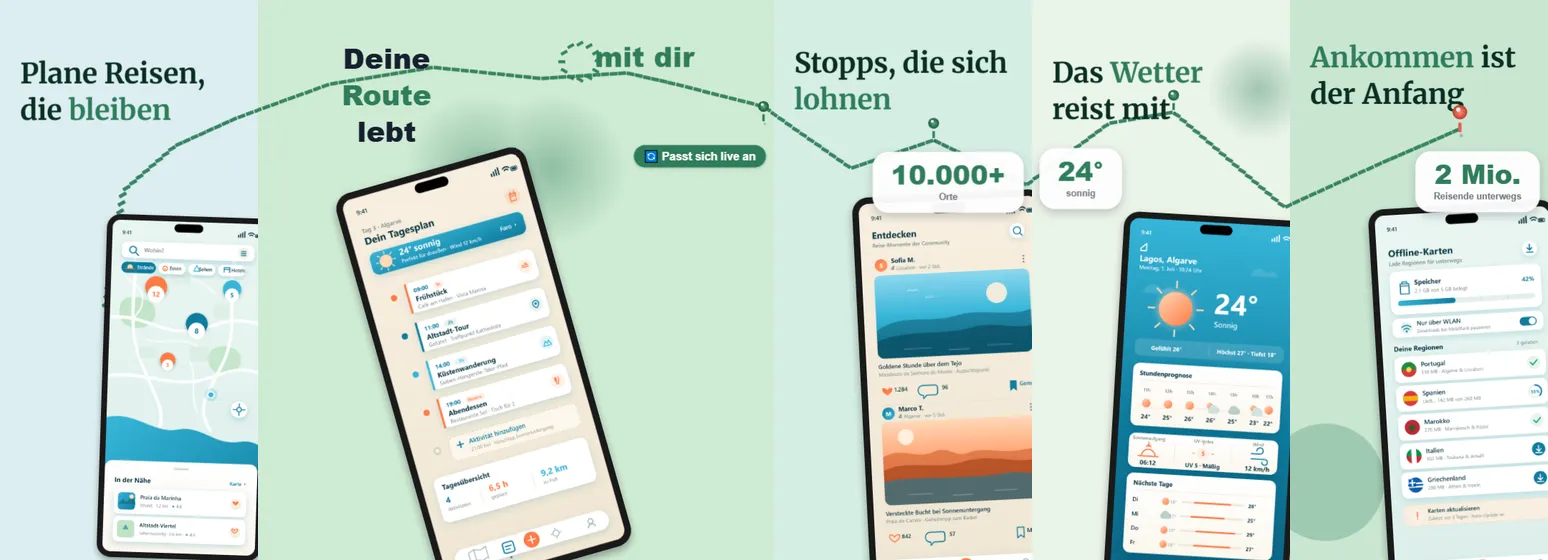
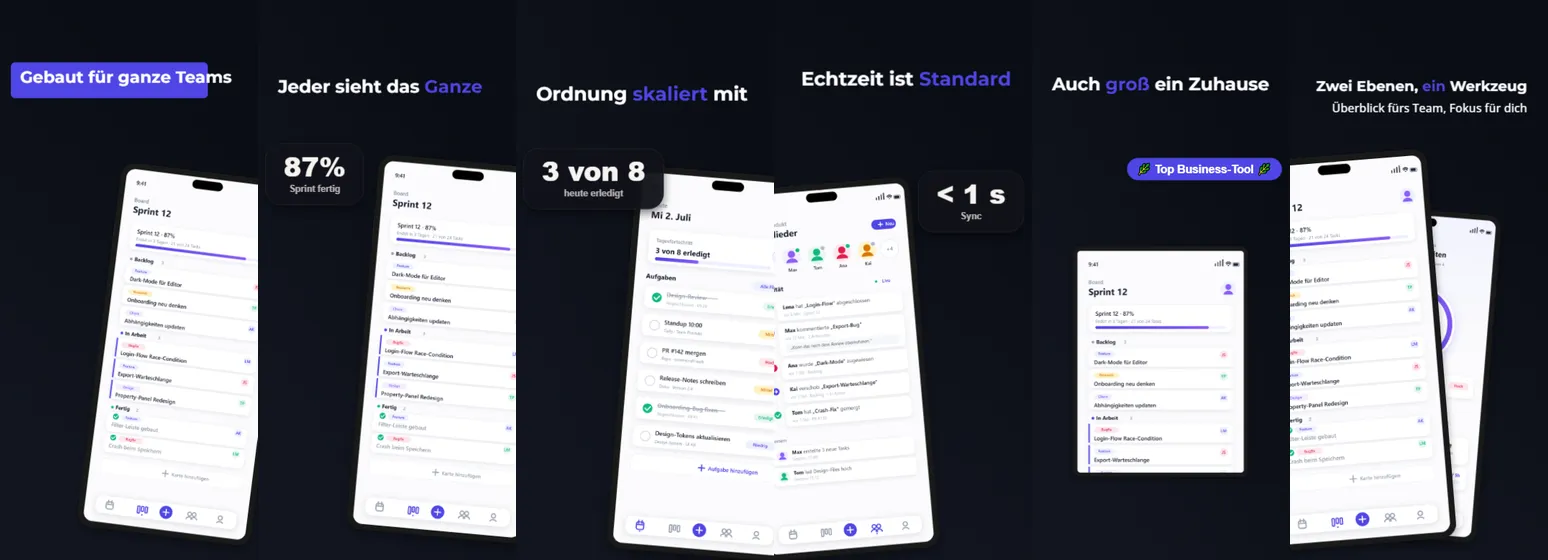
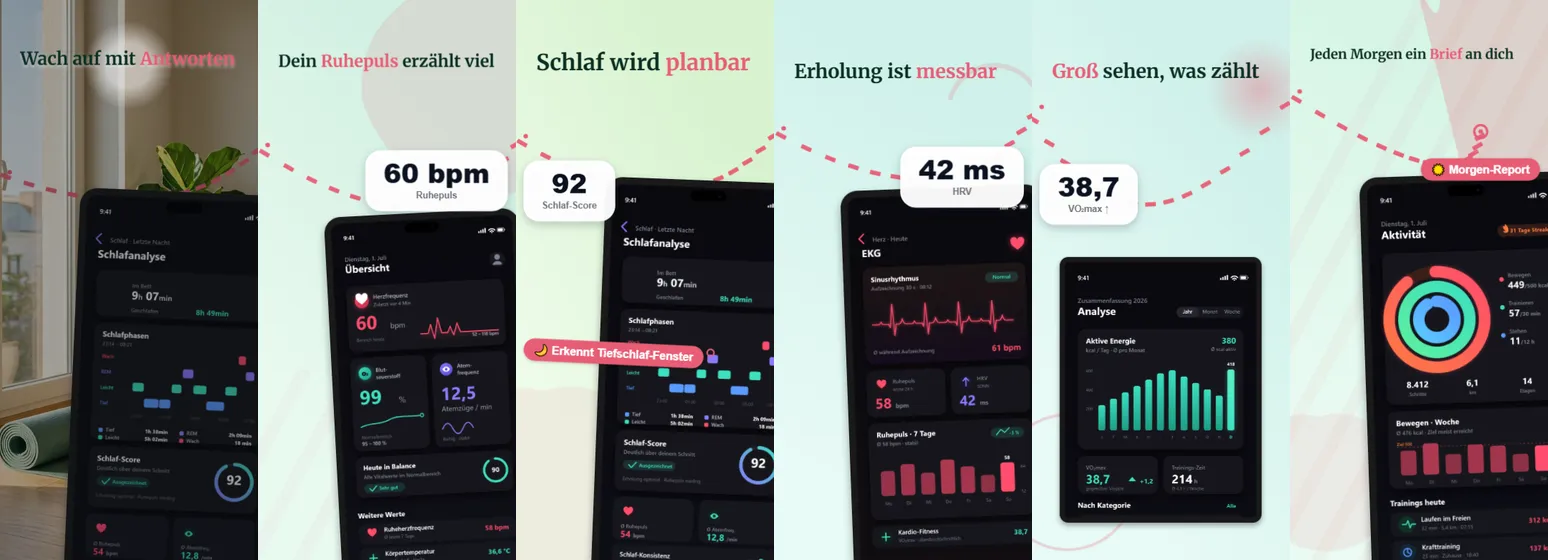
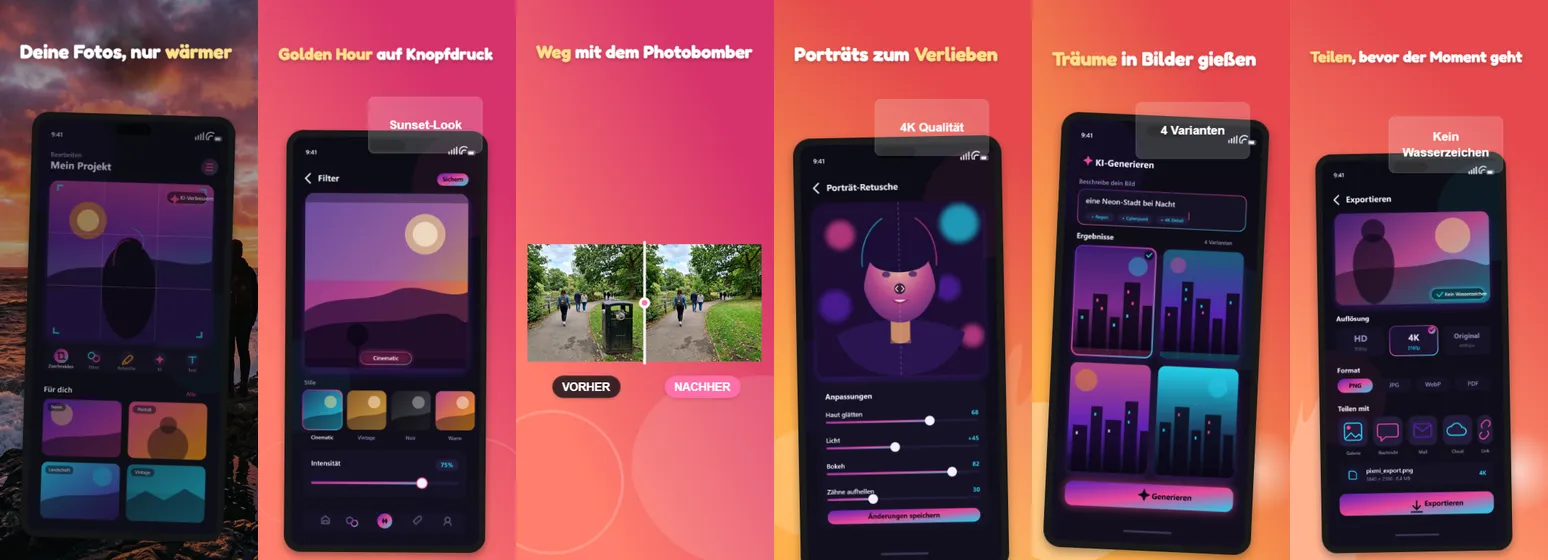
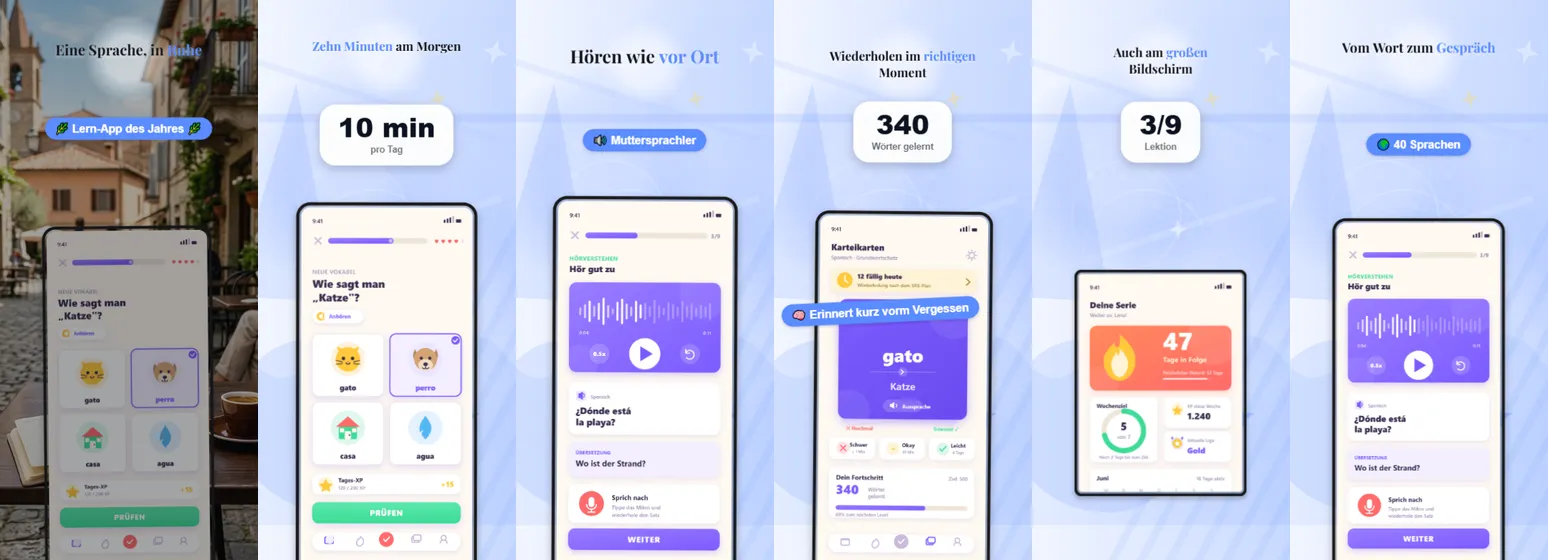
Describe your app. Get a store-ready screenshot set.
One prompt designs a complete, unique set — then fine-tune every pixel in a real editor. 80 languages, every device size. AI optional.
See PricingAI can generate a complete set for you from a single prompt — or you pick the style and layout yourself. Both work.
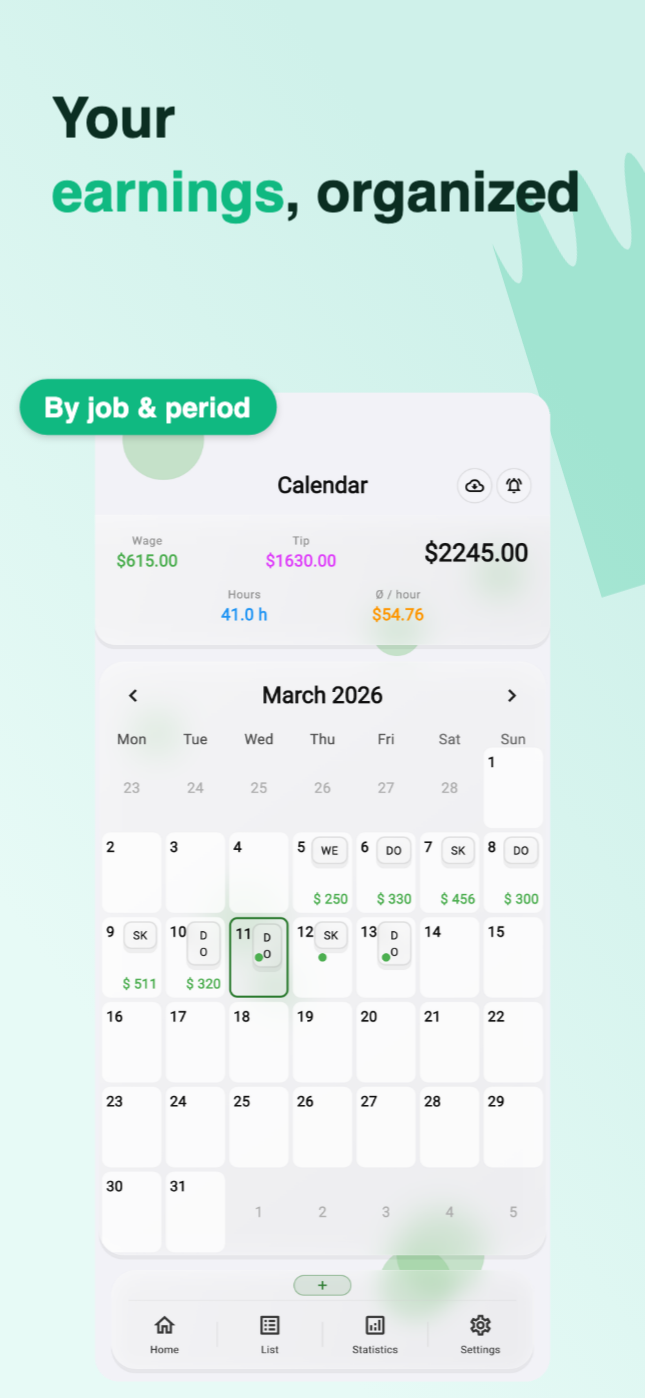
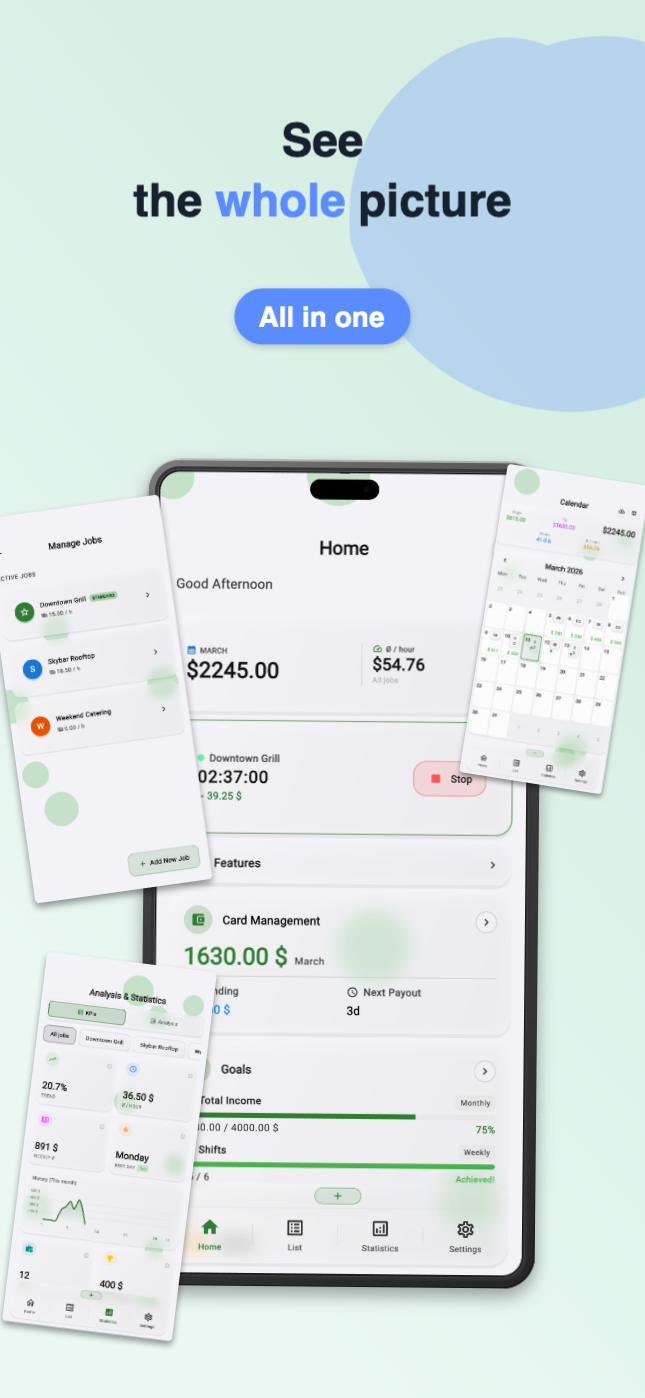
Every set, a complete statement
Up to 10 perfectly matched screens per set — hero, spotlight, badges, zoom, highlights, and storytelling. Everything coheres.
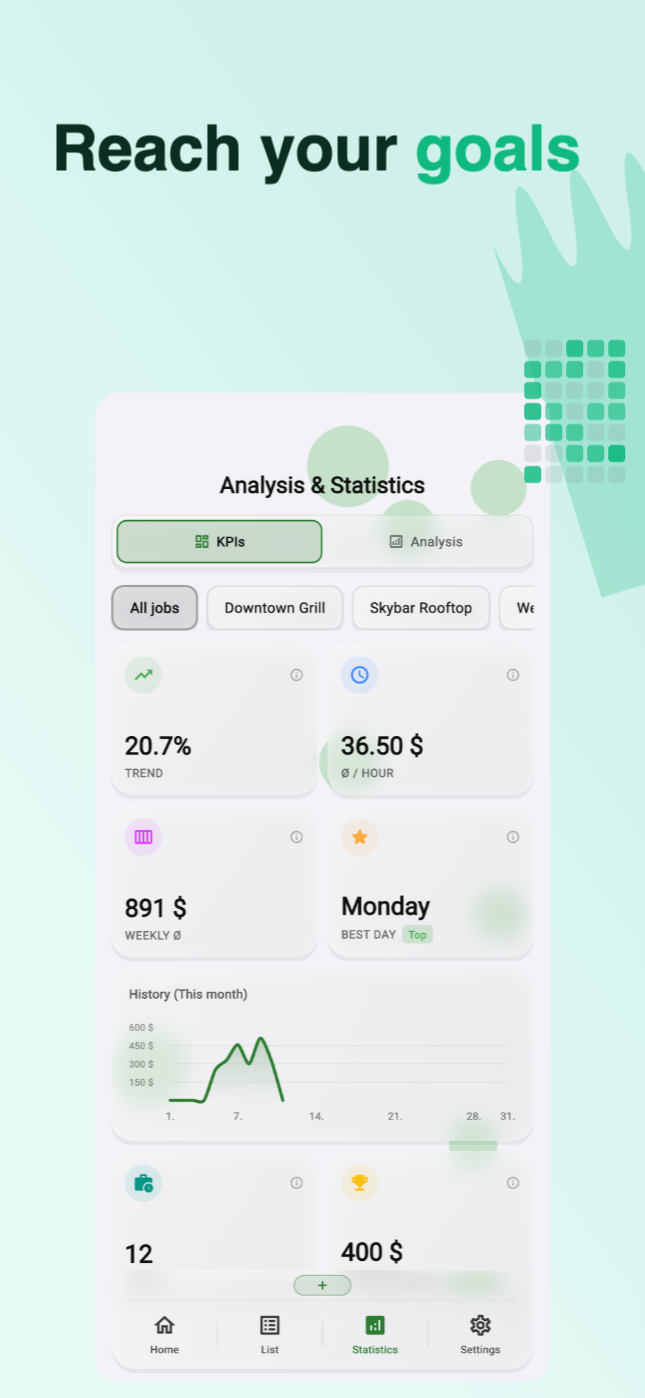
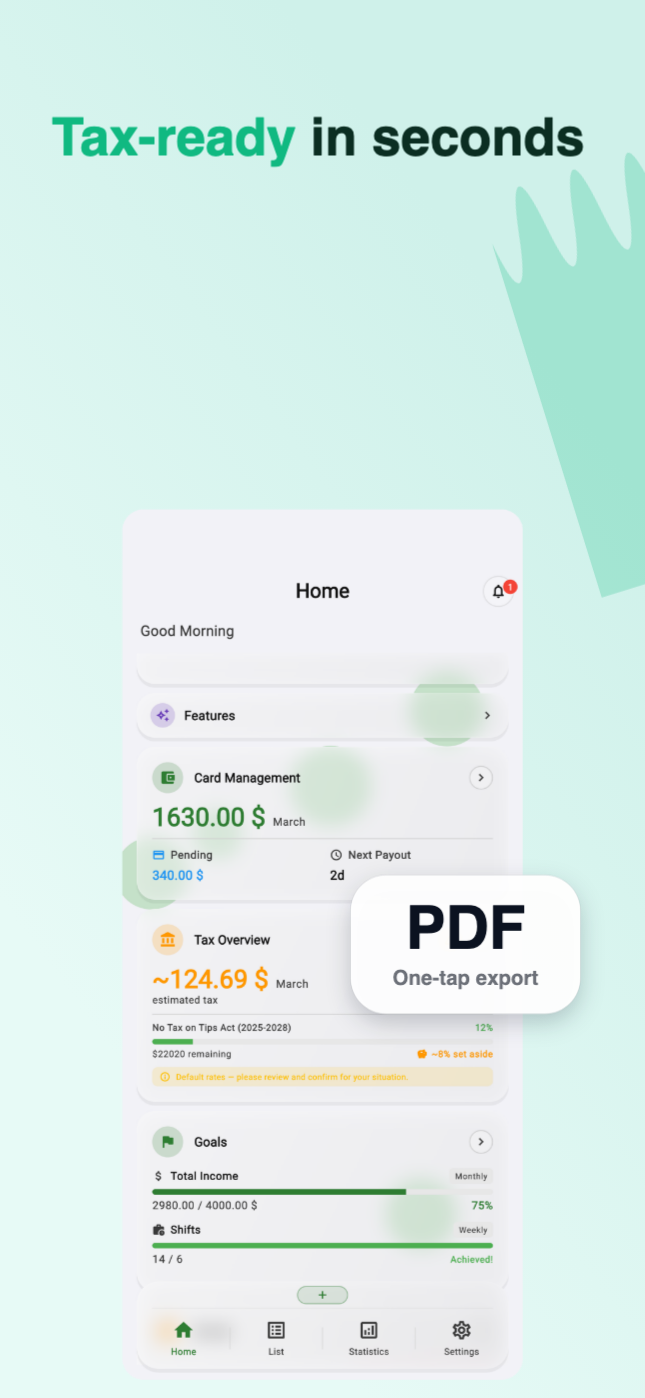
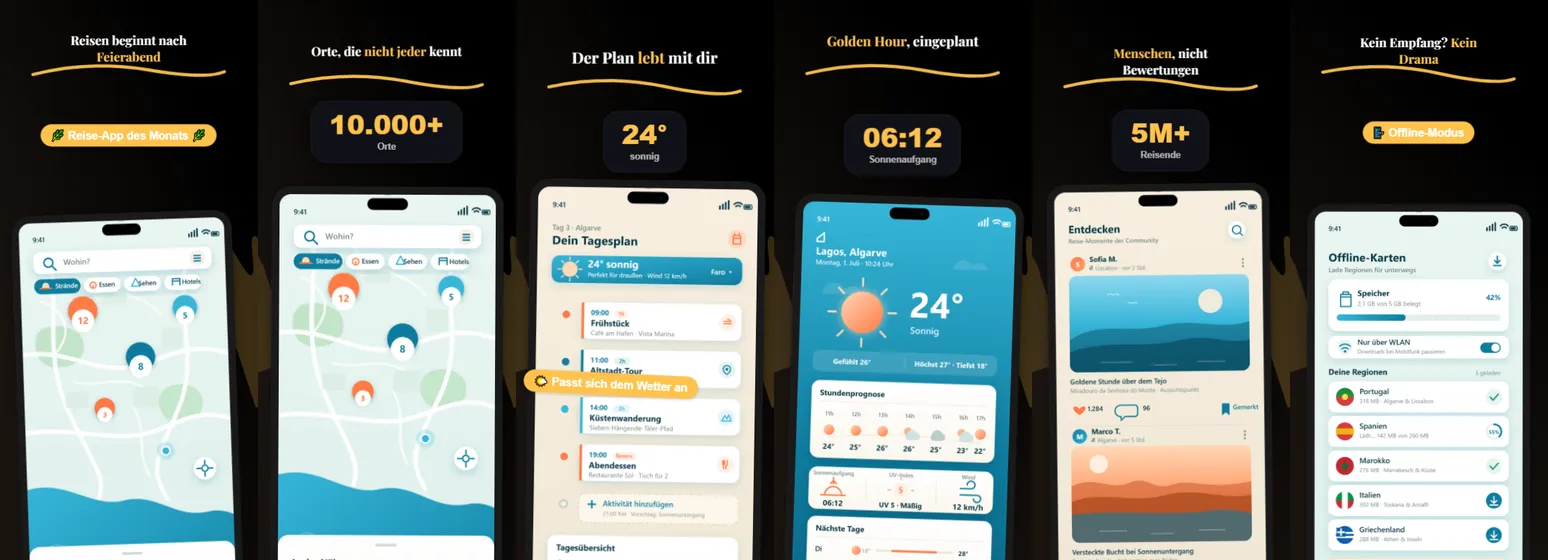
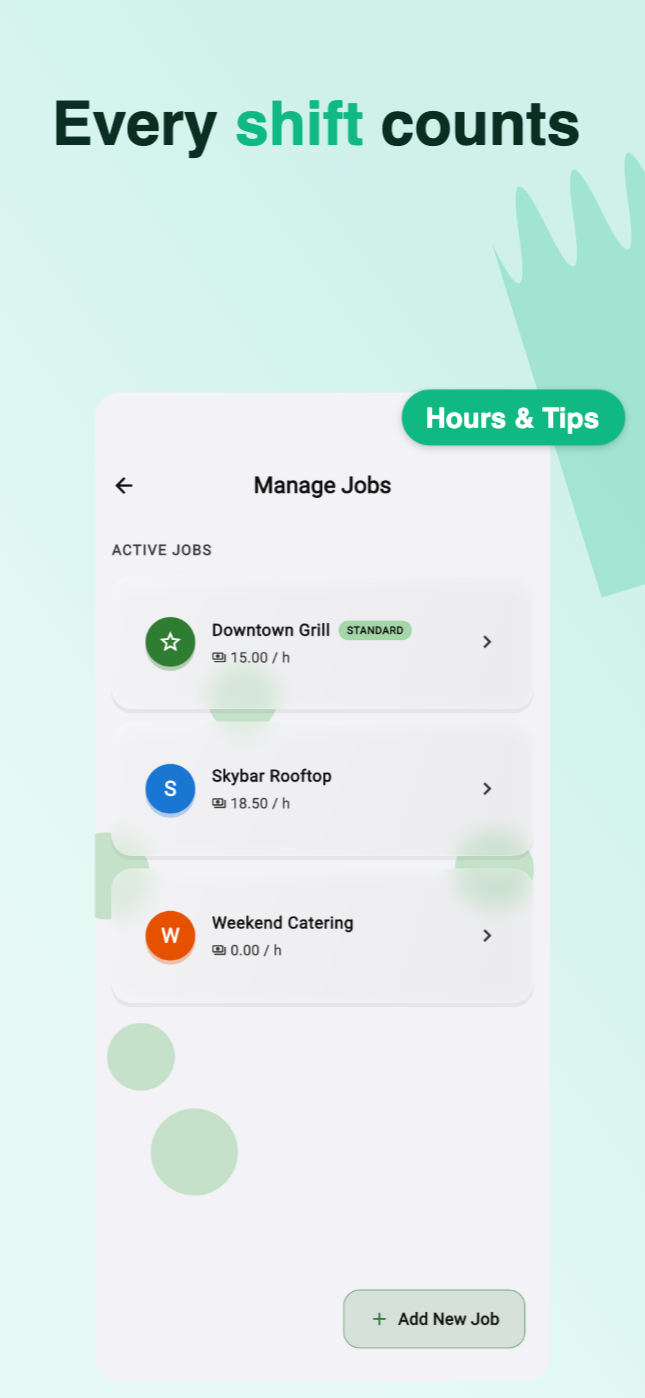
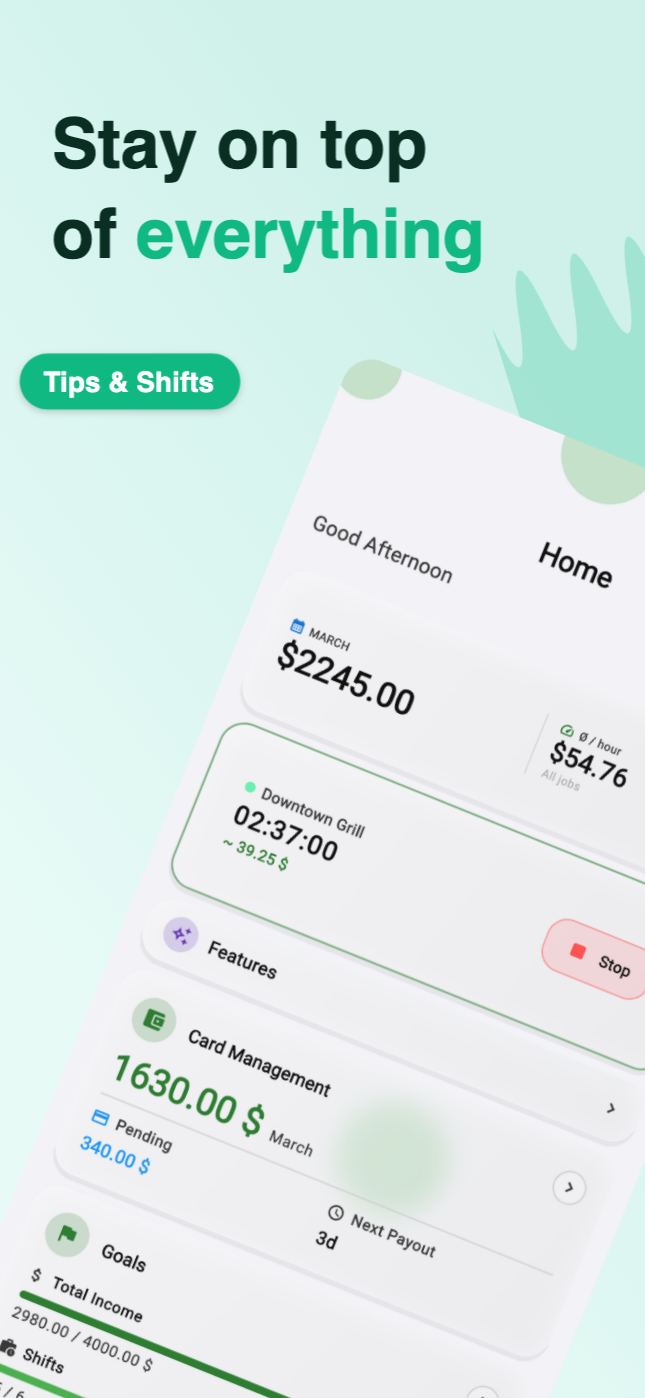
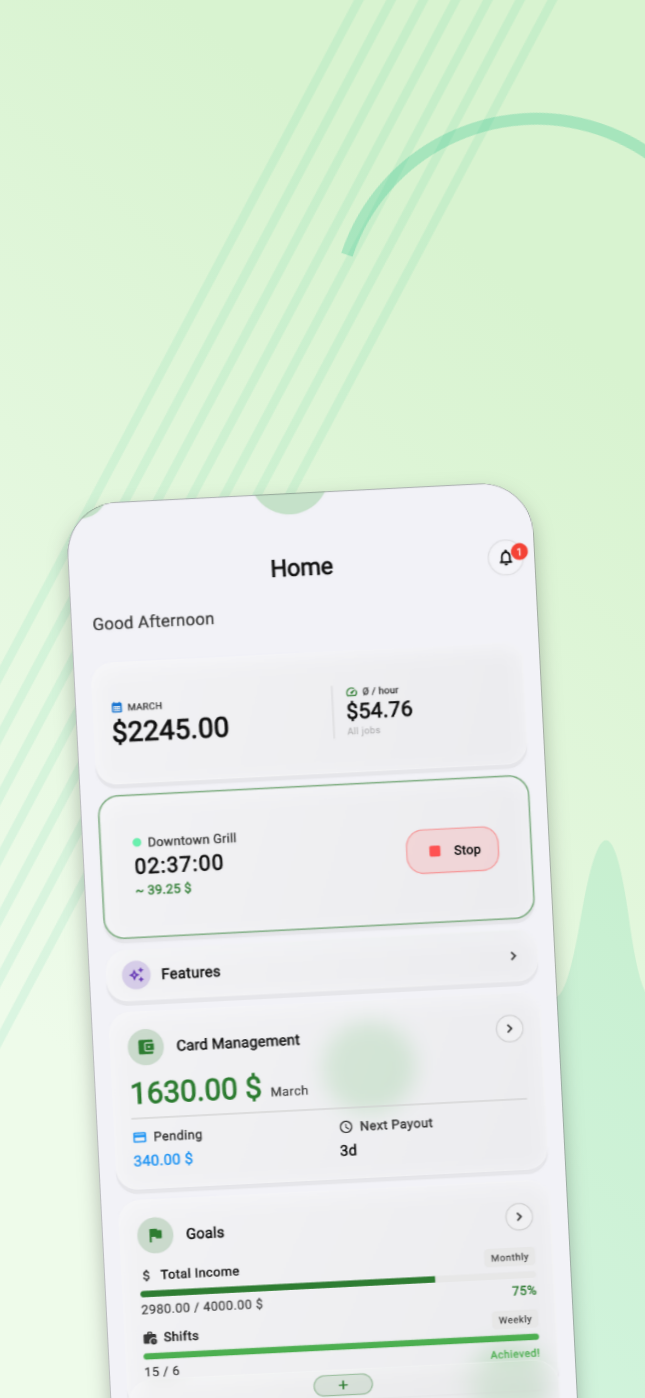
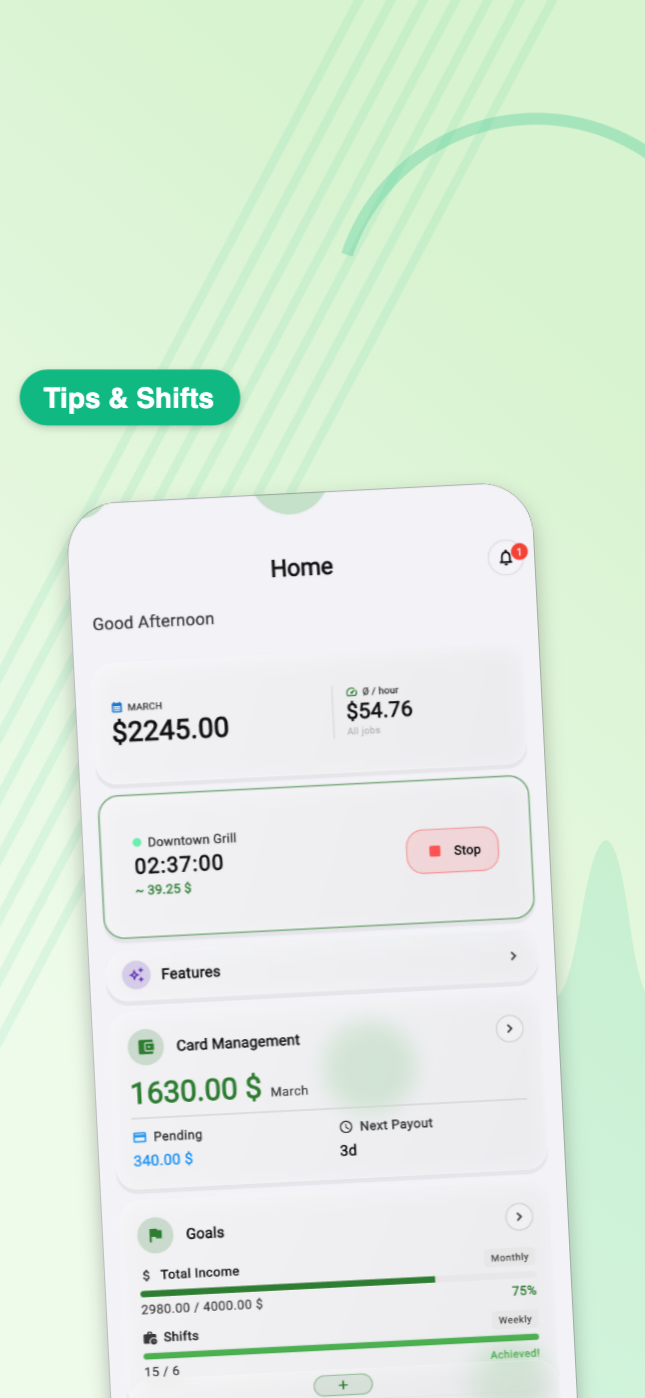
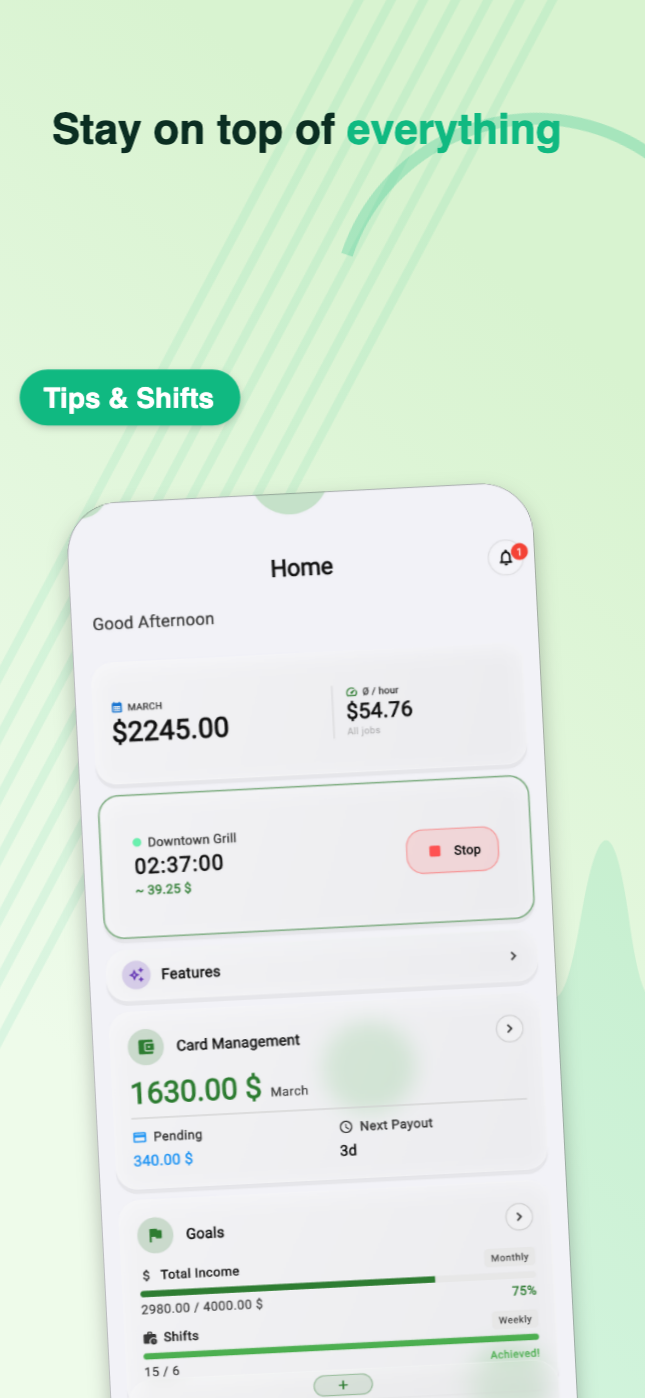
Same app, completely different layout completely different layout
Same screens, a different recipe — not just recolored: device, headline and the whole composition sit in entirely different places. Different layout, different composition, different vibe.
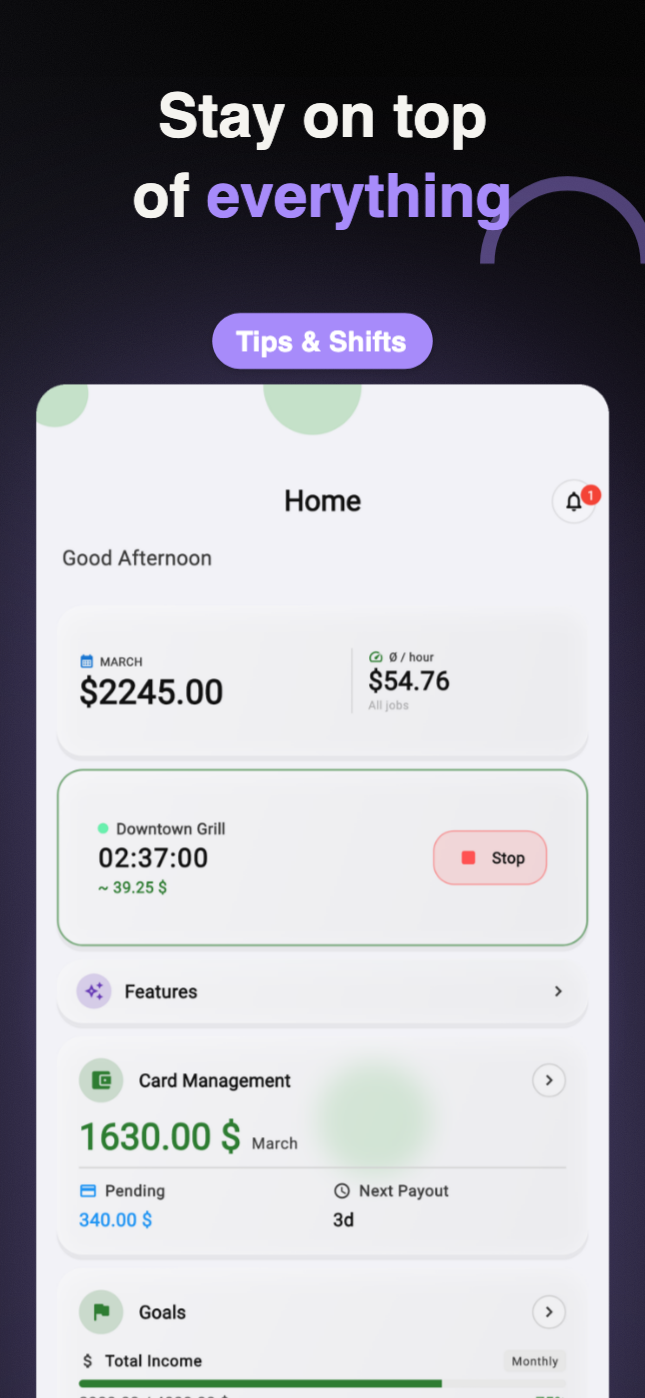
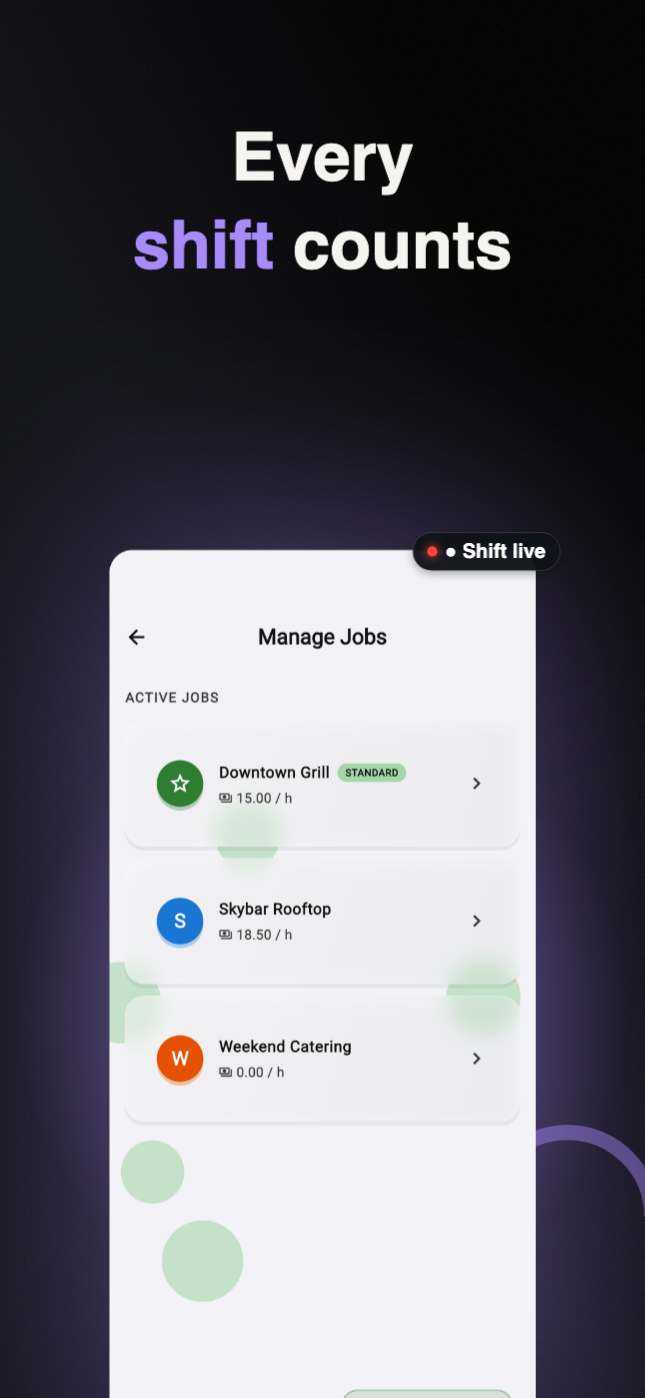
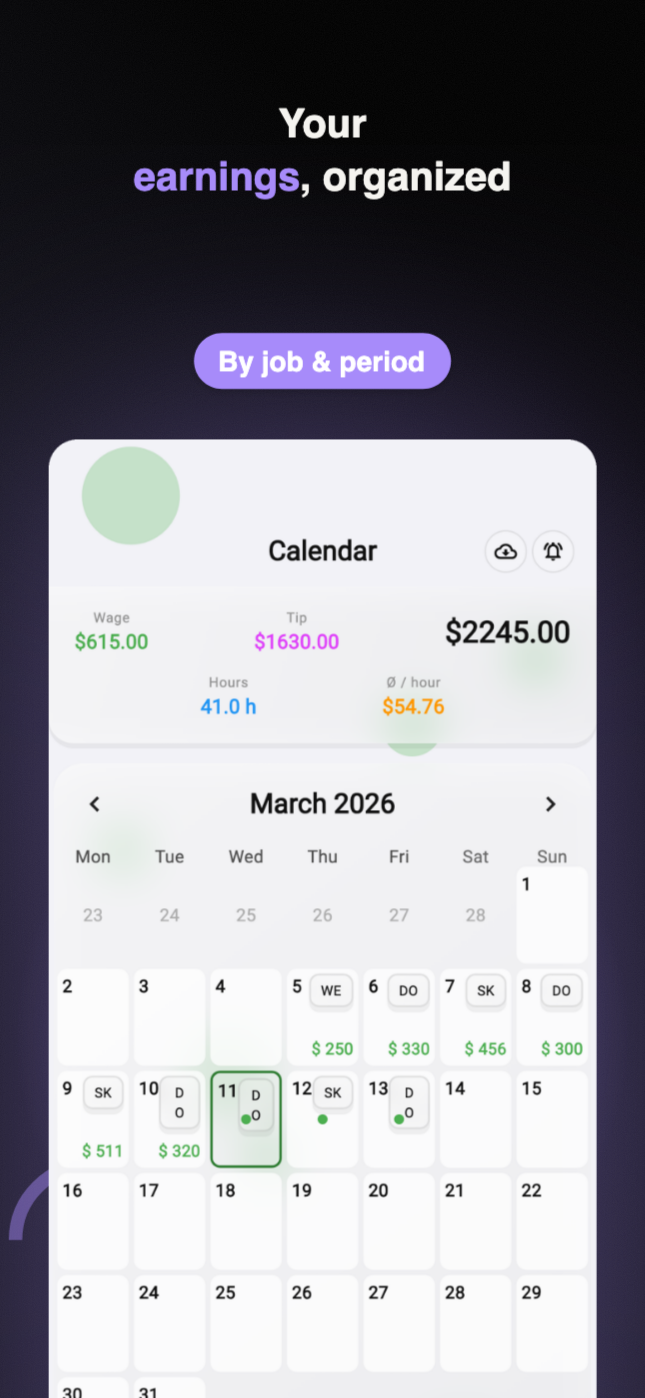
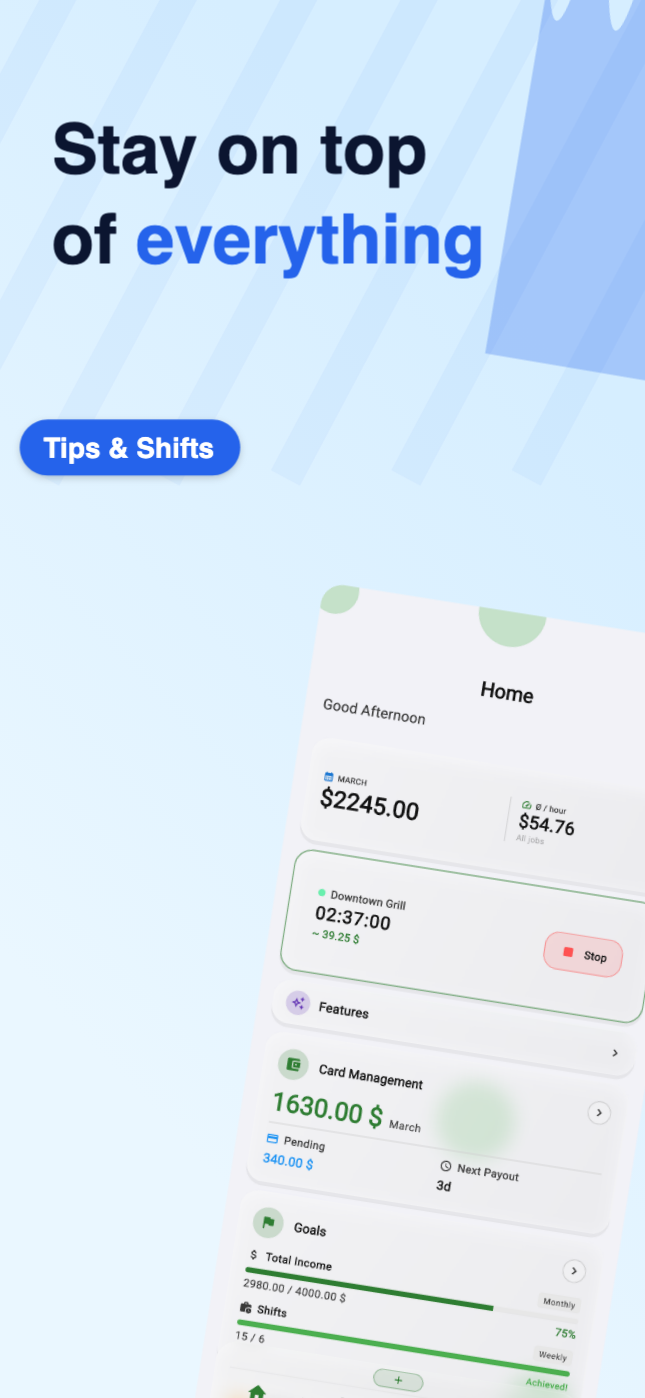
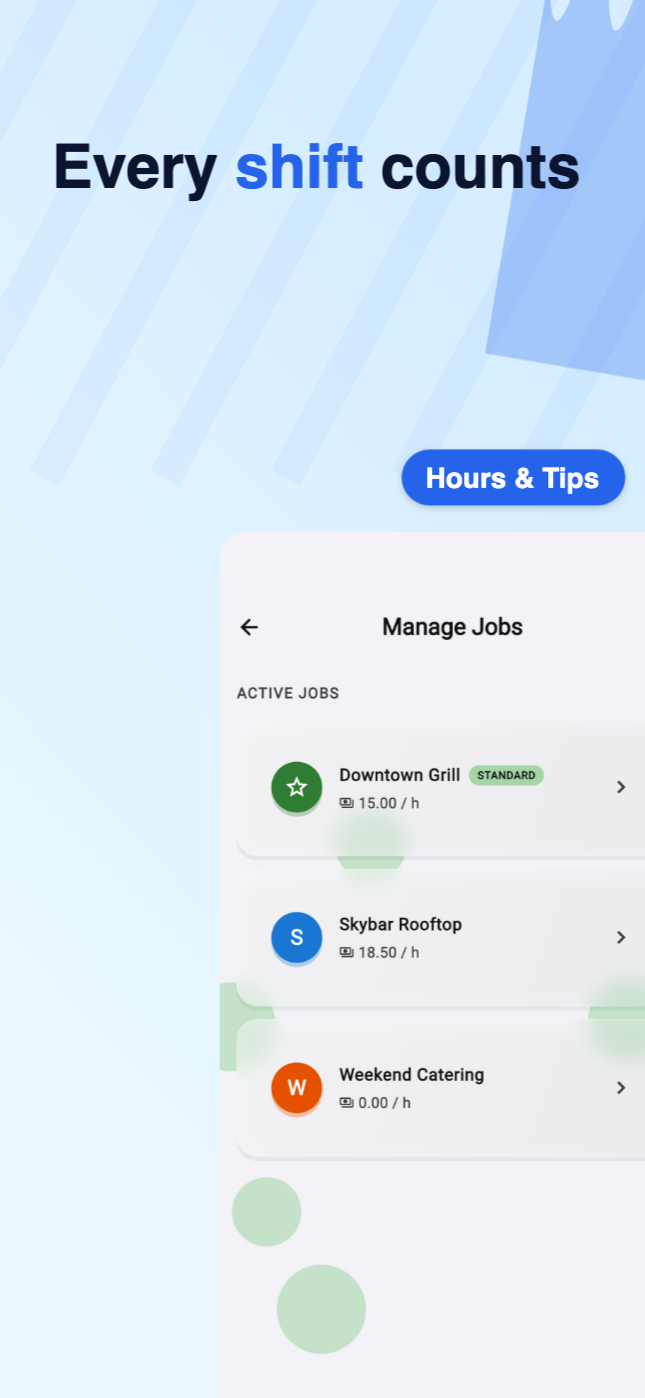
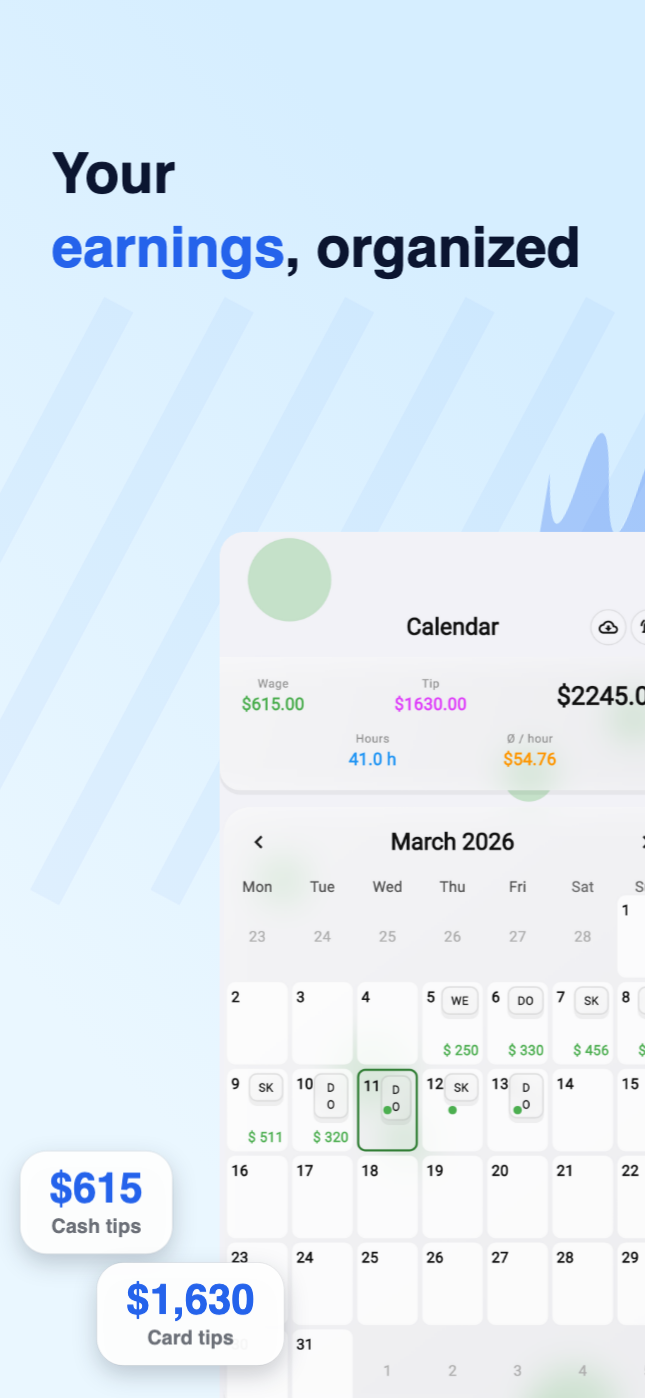
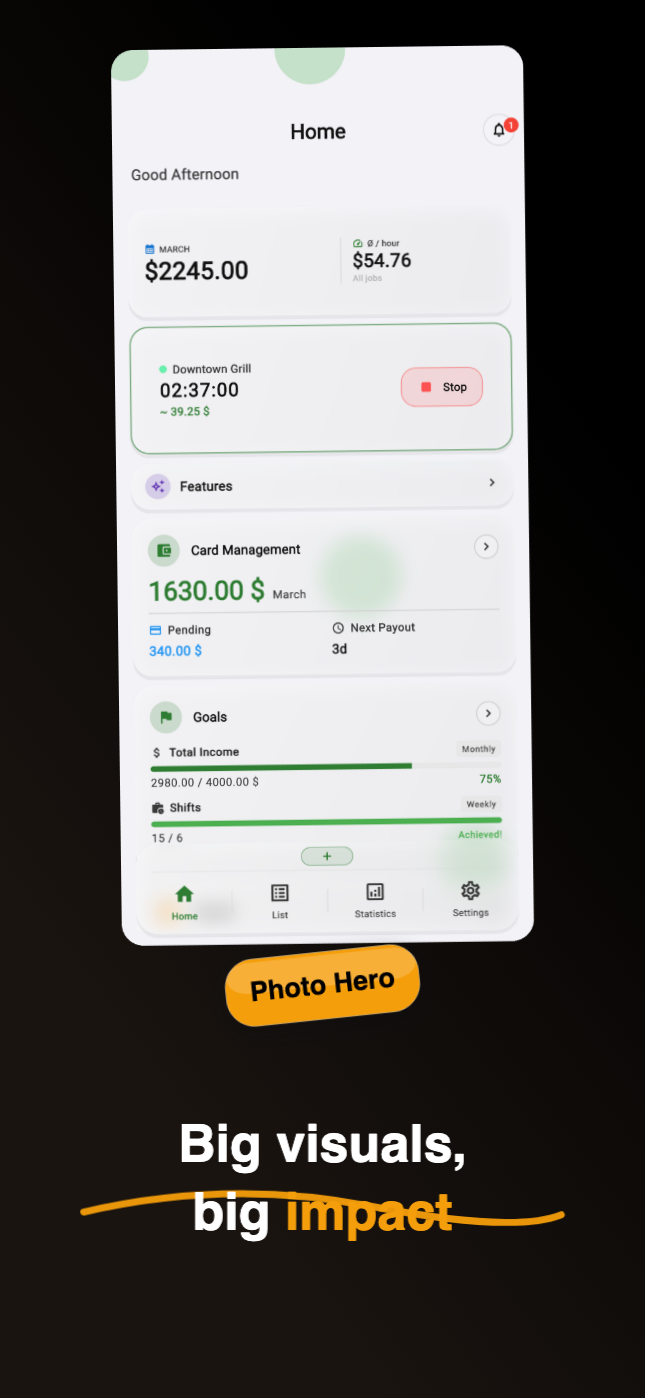
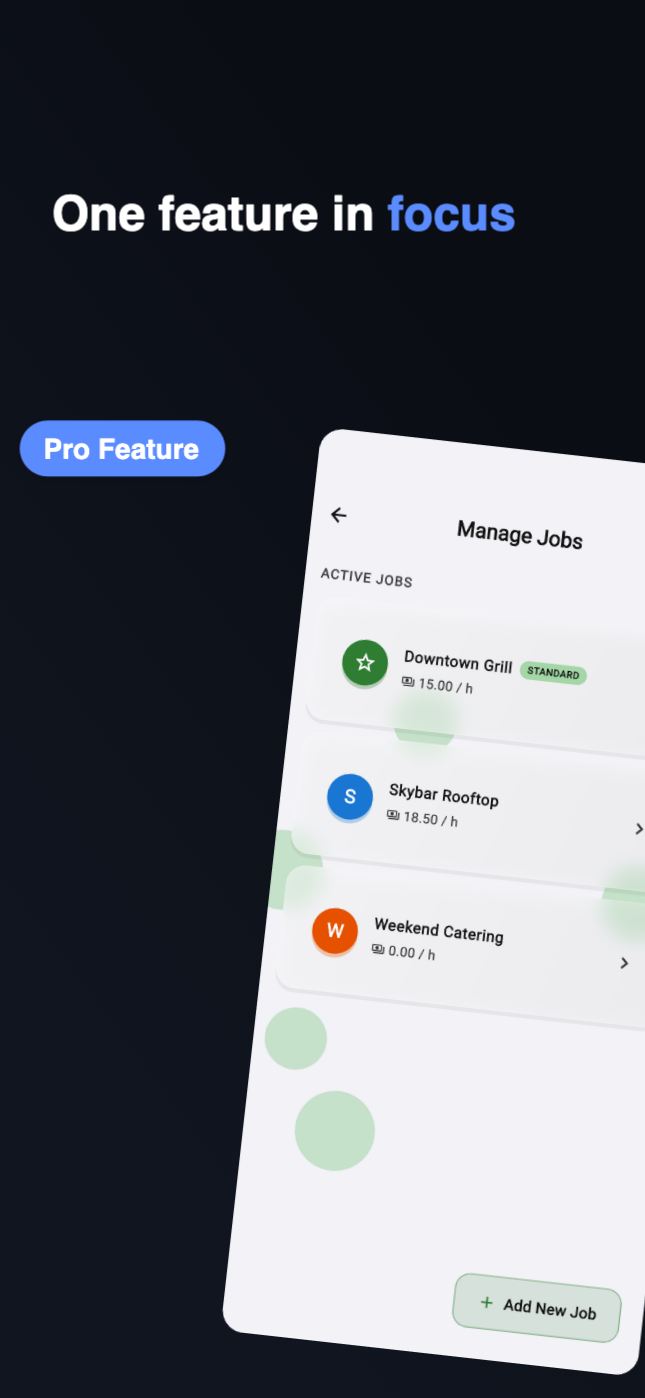
From subtle to downright wild
Device large and centered, tilted into a corner, or up top with text on a scrim below — neon, playful, photo-hero, editorial-minimal. Fundamentally different compositions from the same app. You pick the direction, the AI delivers the variations.
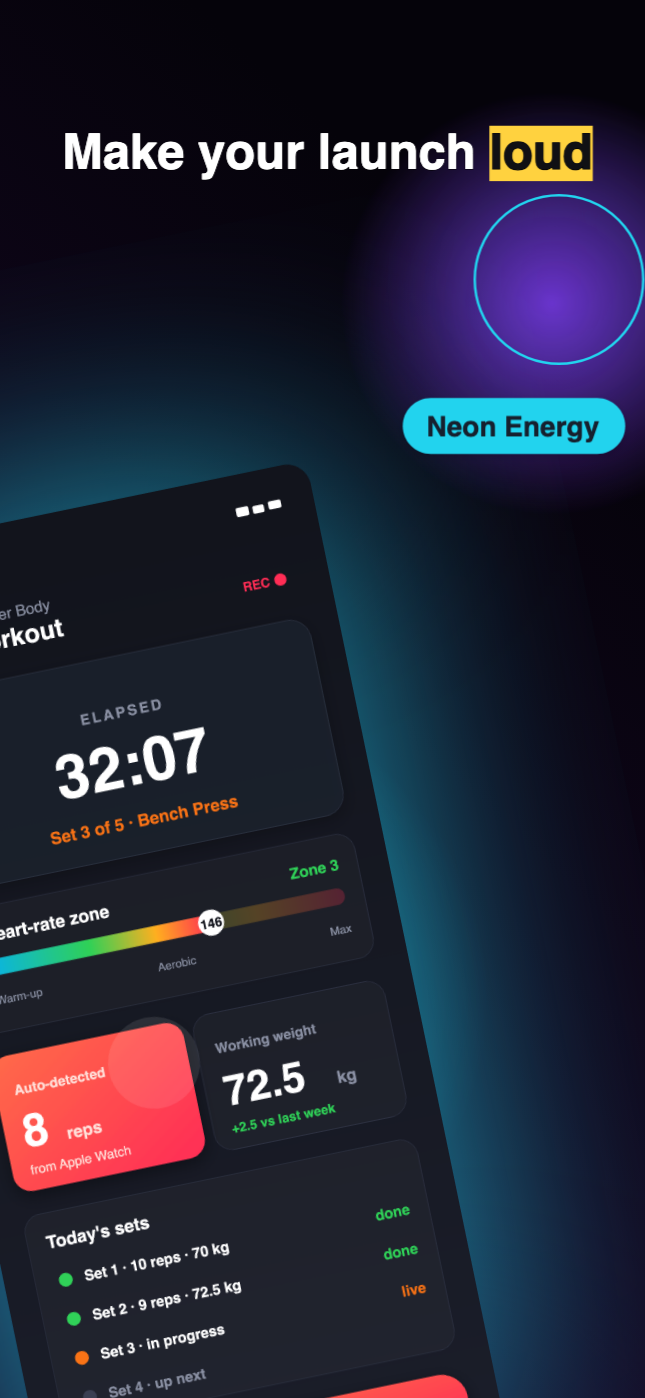
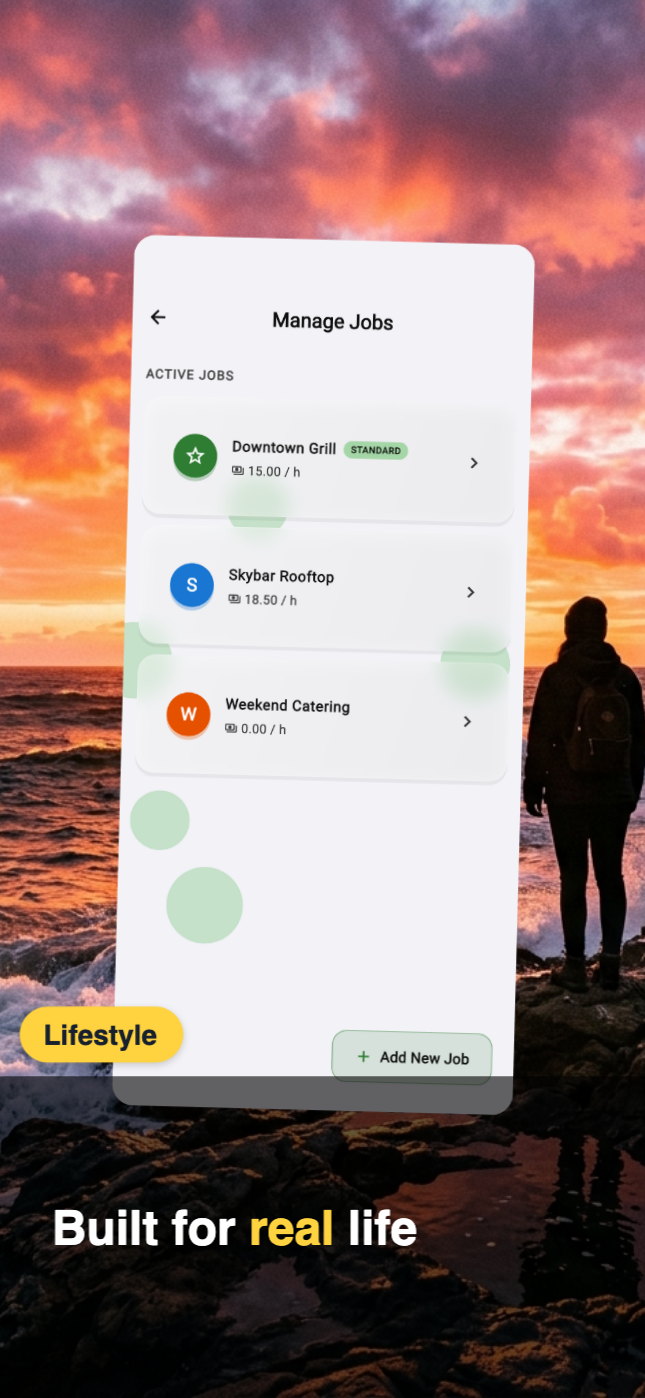
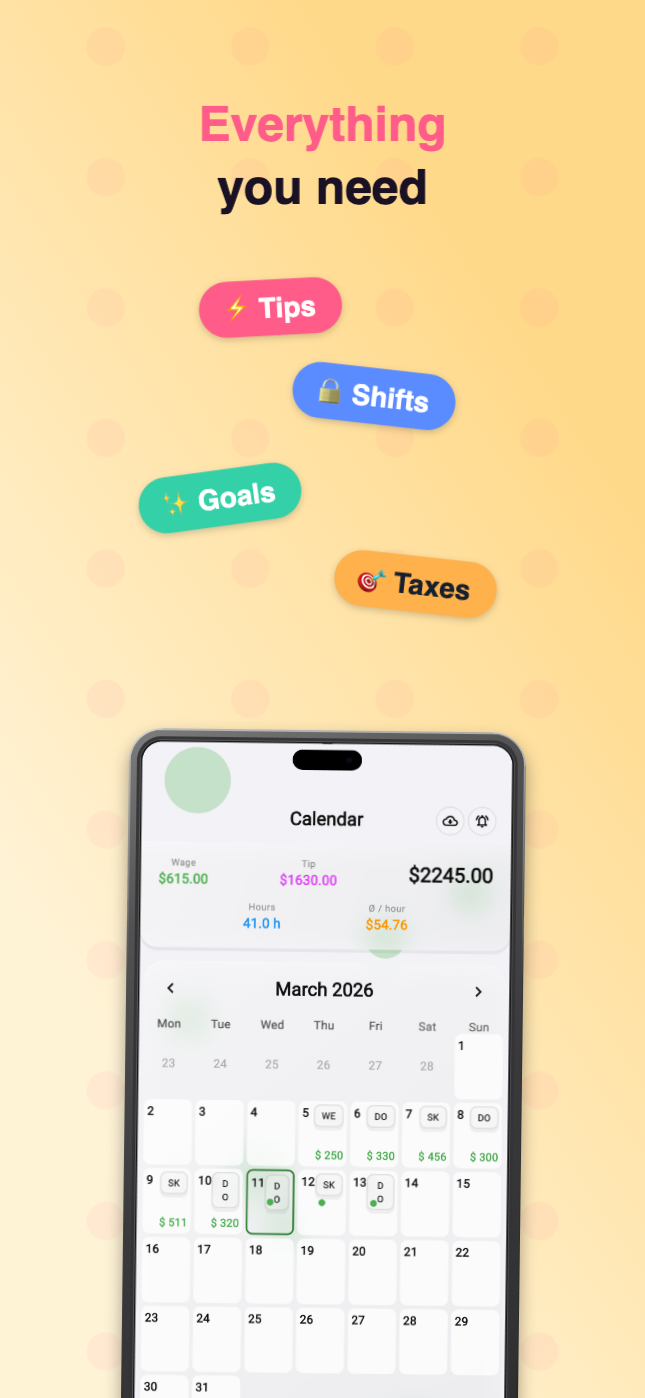
See AppAssets in Action
From zero to a finished App Store listing in under 5 minutes.
Everything You Need
Professional App Store screenshots without agency prices.
AI Art Director
Our AI chatbot designs your screenshots — just describe what you want.
Visual Canvas Editor
Full drag-and-drop editor with layers, effects, and device mockups.
80 Languages
Localize your screenshots for every market with one click.
Direct Upload
Export and upload directly to App Store Connect and Google Play.
Device Frames
Pixel-perfect iPhone, iPad, and Android frames with notch, Dynamic Island, and home button.
Brand Kit
Define your brand colors and fonts once, then apply them to all screenshots with a single click.
How It Works
Three simple steps to professional App Store screenshots.
Create a project
Upload your app screenshots, choose device frames, and set the format. Supports all App Store and Google Play dimensions.
Customize the design
Use the visual canvas editor or let AI generate your layout — gradient backgrounds, headlines, feature highlights, and more.
Export & Upload
Export all screenshots in every language and format with one click. Upload directly to App Store Connect or Google Play.
From finished set straight to the store — one click
No manual exporting, renaming, or uploading. AppAssets automatically pushes your screenshots in every size and language to App Store Connect and Google Play Console — including CPP and PPO variants.
- 1-click upload instead of hours of drag-and-drop
- All device sizes from one project
- Every language automatically matched
App Store Connect
API-Integration
Google Play Console
API-Integration
Where AppAssets makes the difference
Not any single thing, but the combination: a full editor, AI set generation, and direct upload in one tool.
| Feature | AppAssets | Classic template tools | Pure design tools (Figma & co.) |
|---|---|---|---|
| Full canvas editor | |||
| AI set in seconds + freely editable | |||
| Drag & Drop | |||
| 80 Languages | |||
| Direct Store Upload | |||
| Device frames built in | |||
| Brand Kit |
Why You Can Trust AppAssets
A new generation of App Store screenshots — more powerful and faster with AI.
EU Hosting & GDPR
Your projects are stored in Frankfurt (europe-west3). No servers outside the EU for personal data.
Your data belongs to you
AI and translation services contractually do not use your content for training. All rights to your exports remain yours.
Store-compliant out of the box
Exact App Store and Google Play dimensions, with store guidelines built in to help you avoid size-related rejections.
Faster with AI
One prompt → a complete set, then a full editor. Faster than template fillers, more flexible than pure AI.
Finish your marketing in minutes
1 project free — full editor and clean export with no watermarks. More projects, direct upload, and 80 languages with Pro. No credit card, cancel anytime.
Frequently Asked Questions
Do I need design skills?
No. You pick a style or briefly describe what your app does — and you get a complete, fully composed set. You can then fine-tune everything in the editor, but you don't have to.
Do I have to use AI?
No — AI is completely optional. You can choose style, layout, and text yourself (no AI request needed), or let AI suggest a full set in seconds. Both work, and you can mix them anytime.
Why do my sets look different from everyone else's?
Classic template tools give everyone the same look. Here, each set is built from parametric recipes with individual variation — combined with your colors and screens, virtually no two sets are identical.
Which devices and stores are supported?
All current App Store and Google Play screenshot dimensions: iPhone 6.9", 6.5", 6.3", 5.5", iPad Pro, and the common Android formats — from one layout for both iOS and Play.
How does localization work?
Add translations for any text layer and export all language variants at once. 80+ languages via automatic AI translation — or enter translations manually.
What happens to my screenshots and data?
Your project data lives in the EU (Frankfurt). AI and translation services are only used when you trigger them — providers like Anthropic and Google contractually do not use your inputs for training. See our privacy policy for details.
Can I cancel anytime?
Absolutely. No long-term contracts. Cancel your subscription at any time and keep using the free tier.
Start free today
No credit card required. Create your first project in under 5 minutes.